

Project templates
In this section, we will discover how to create and edit project templates. This module is located inside the templates section:
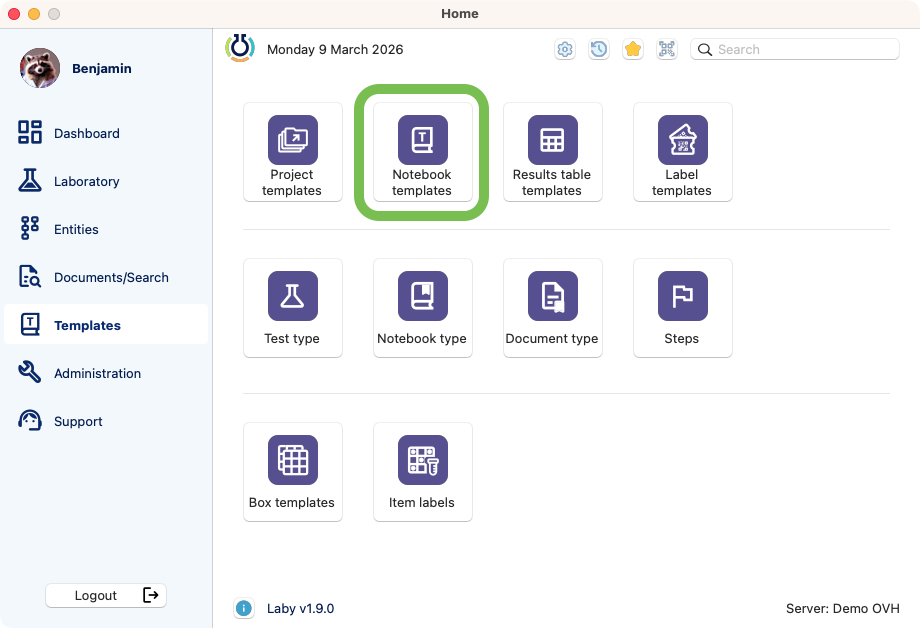
View of the project_templates.
Creation
Click on the module to open the browser.
Here is possible to search, delete, duplicate, edit and add templates.
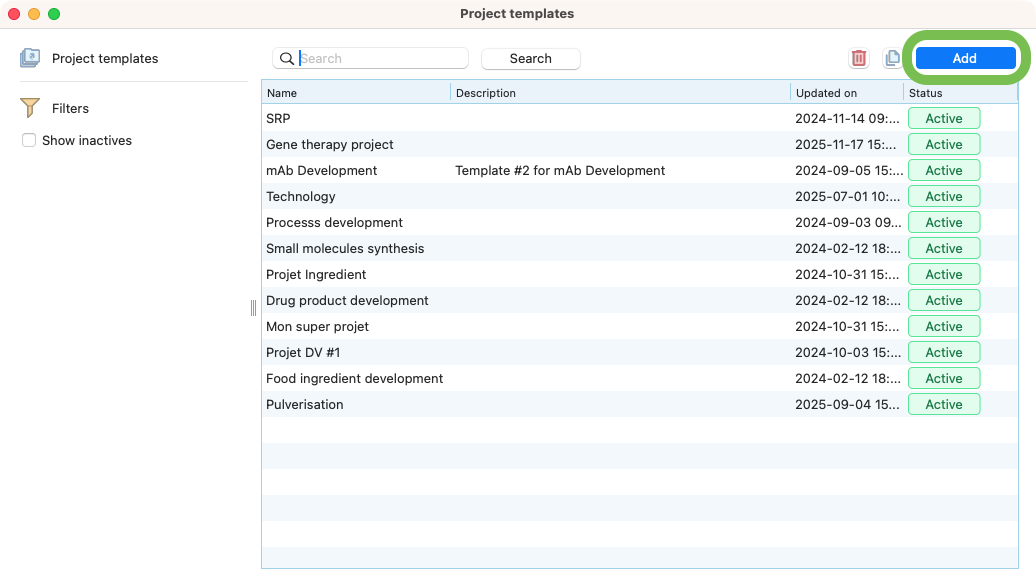
List of project templates.
Press the add button
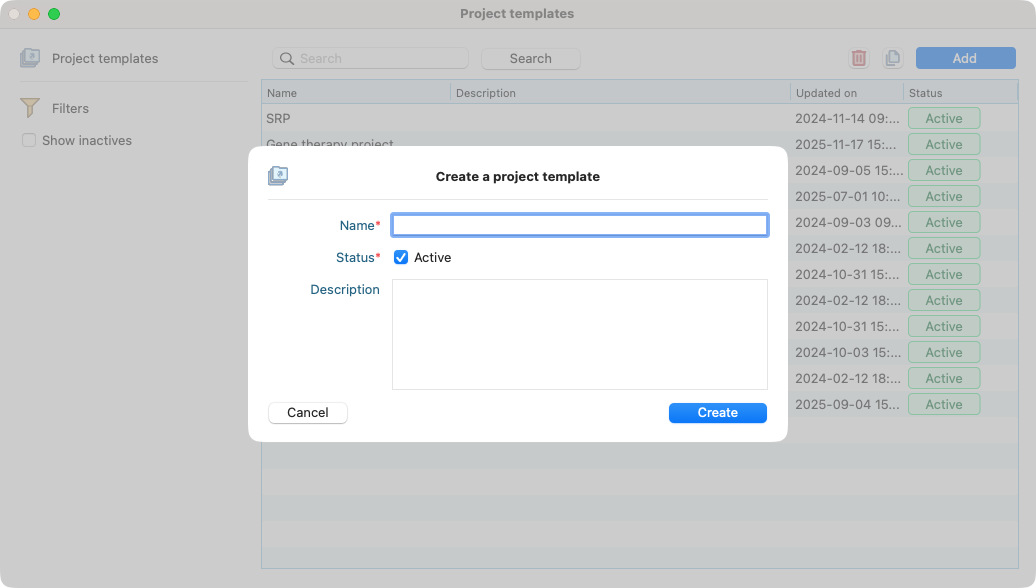
Adding a project template.
Edition
After the creation, you can edit the template by double-clicking on it.
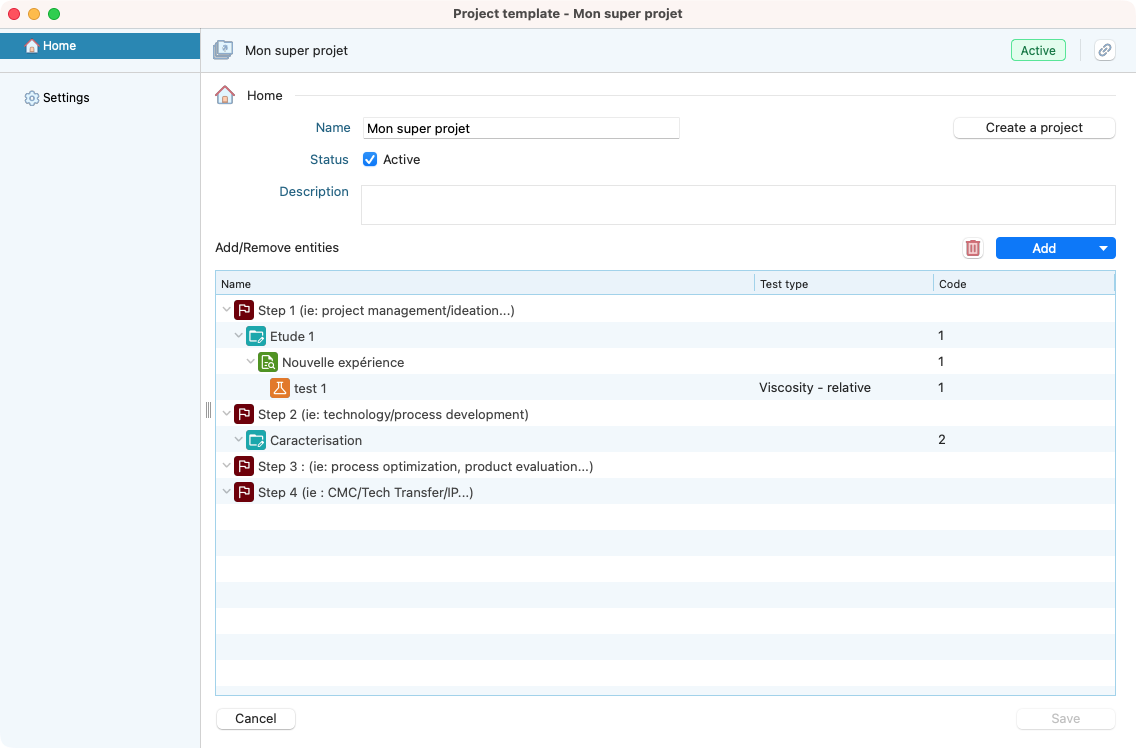
Generic example of a project template details.
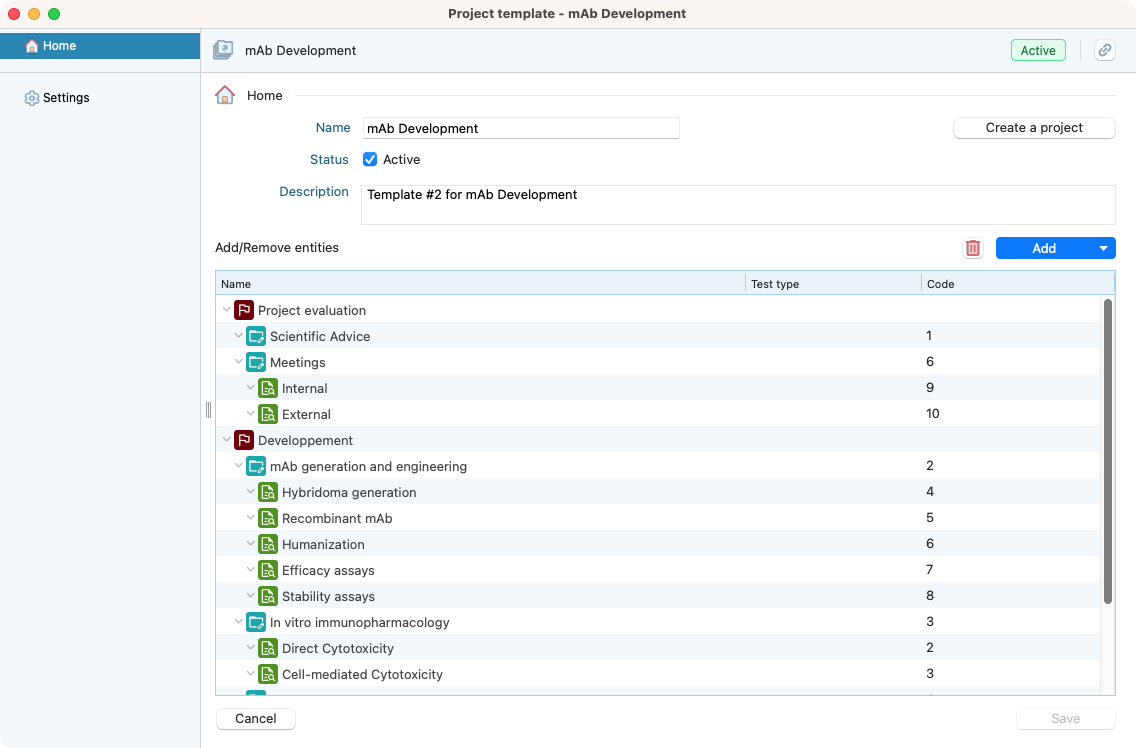
Concrete example of a project template details.
From now, you templates are ready to be used when creating a project.
You can also edit them at any time to improve continuously your projects organization.