

Box templates
The box templates are used to create boxes with a predefined structure. It can be used to create boxes with a specific number of compartments.
Attention
Modification is only accessible by people who are superadmin of Laby, or admin of the box templates.
You can find the box templates inside the templates section:
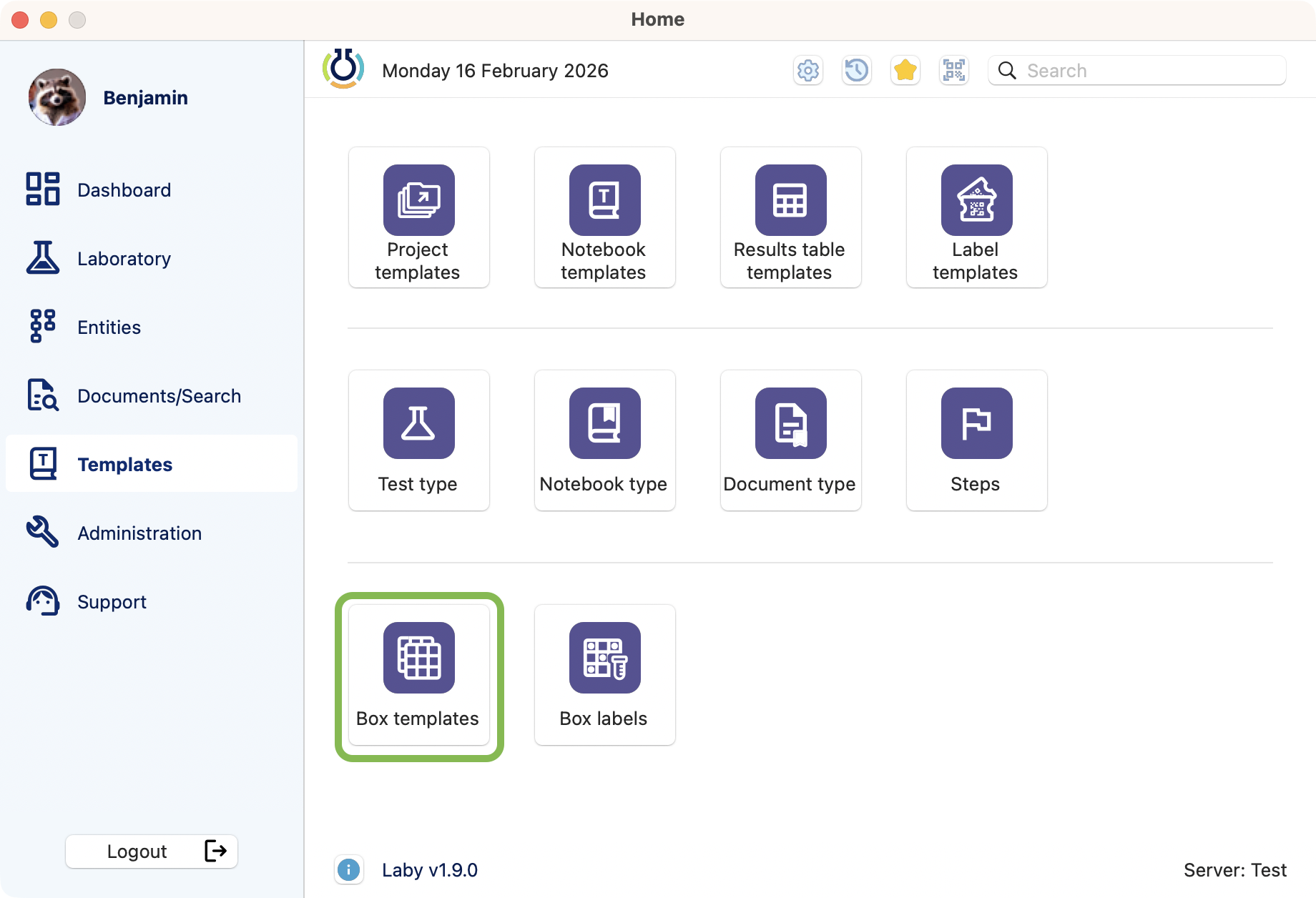
Where to find the box templates management.
Here is the box templates browser, where you can see and manage them.
By default, the inactive are hidden. You can activate the filter to display all.
Use the search bar to find a specific template by its name or code.
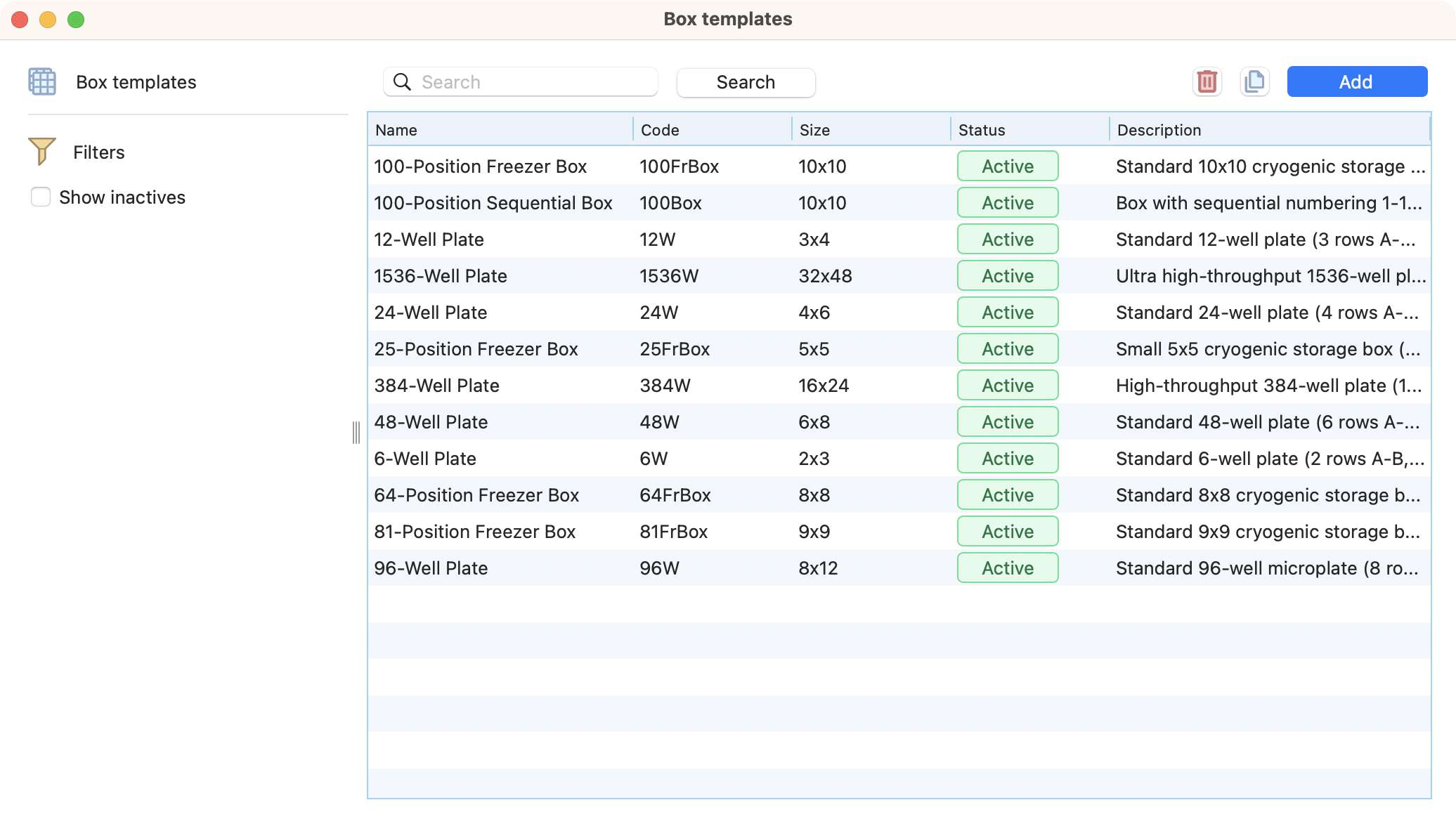
View of the box templates browser.
Creation
To create a new box template, click the add button, on the top right of the browser. Then fill some information:
Name (unique)
Code (is unique).
Type :
Box with separators: the box will have a predefined number of compartments, defined by the number of separators.
Rows amount (number).
Columns amount (number).
Row display (alpha or numeric).
Column display (alpha or numeric).
Cell display (coordinate: A1, A2… or sequential: 1,2…).
Plain box: the box will not have compartments, without limit of the number of items that can be stored within it.
Status : Active/inactive.
Description.
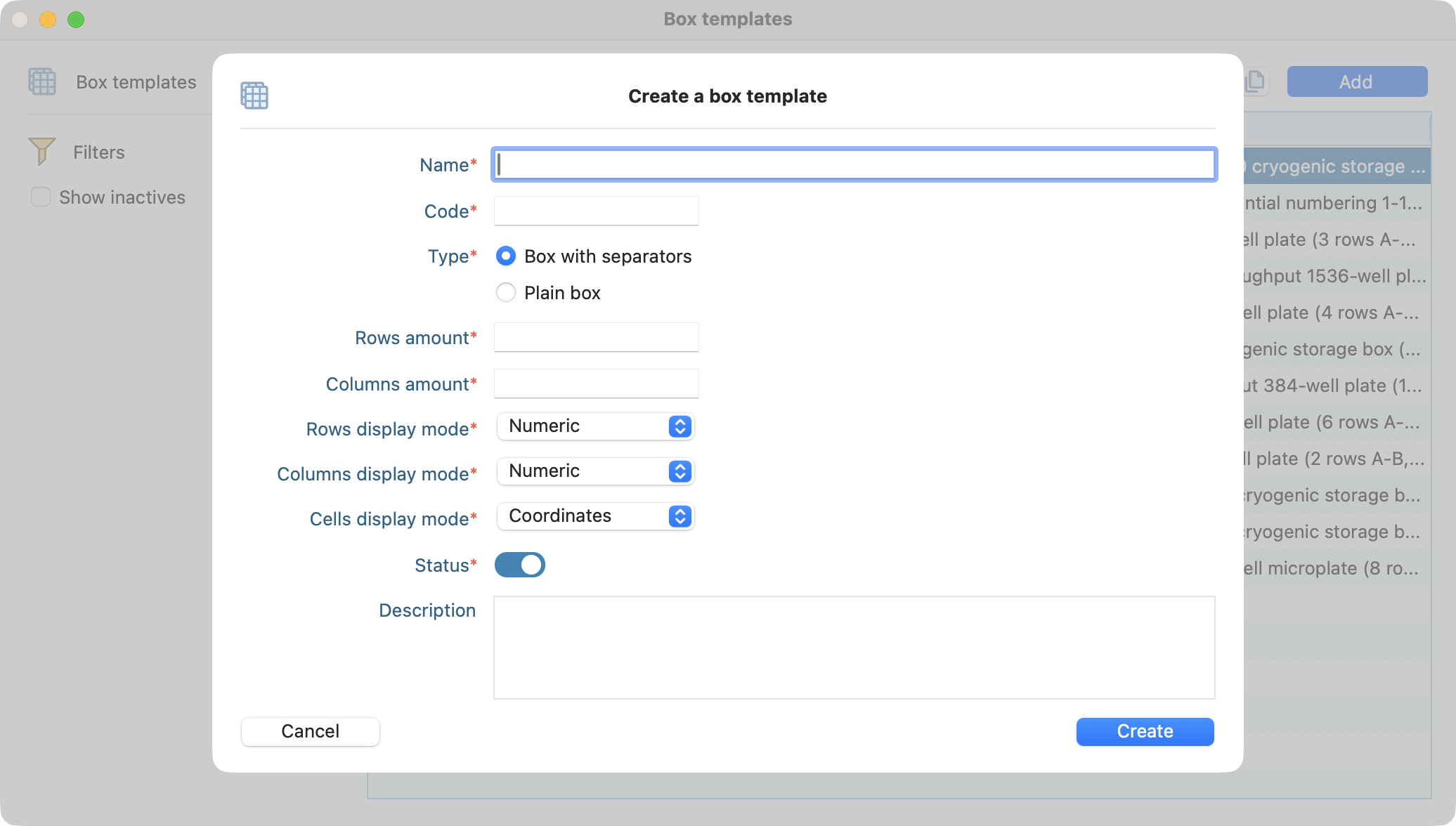
View of the window when creating a new box template.
Upon creation, the newly created template will be available in the browser.
Duplicate
Click on the duplicate button on the top right to create a copy of the selected template and save time.
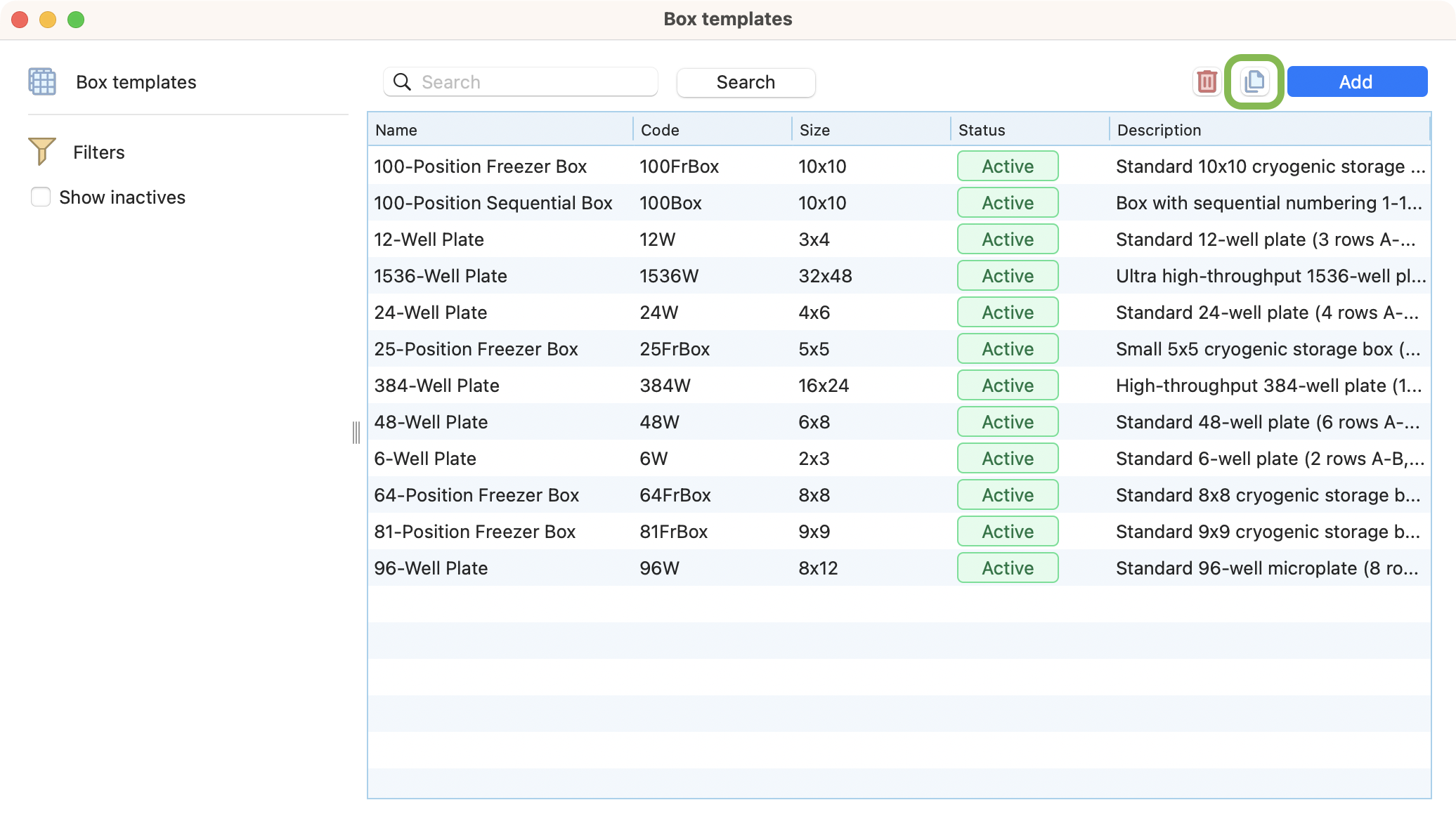
View of box templates browser, with the duplicate button highlighted.
Deletion
To delete a box template, select one and click on the red bin button in the top right.
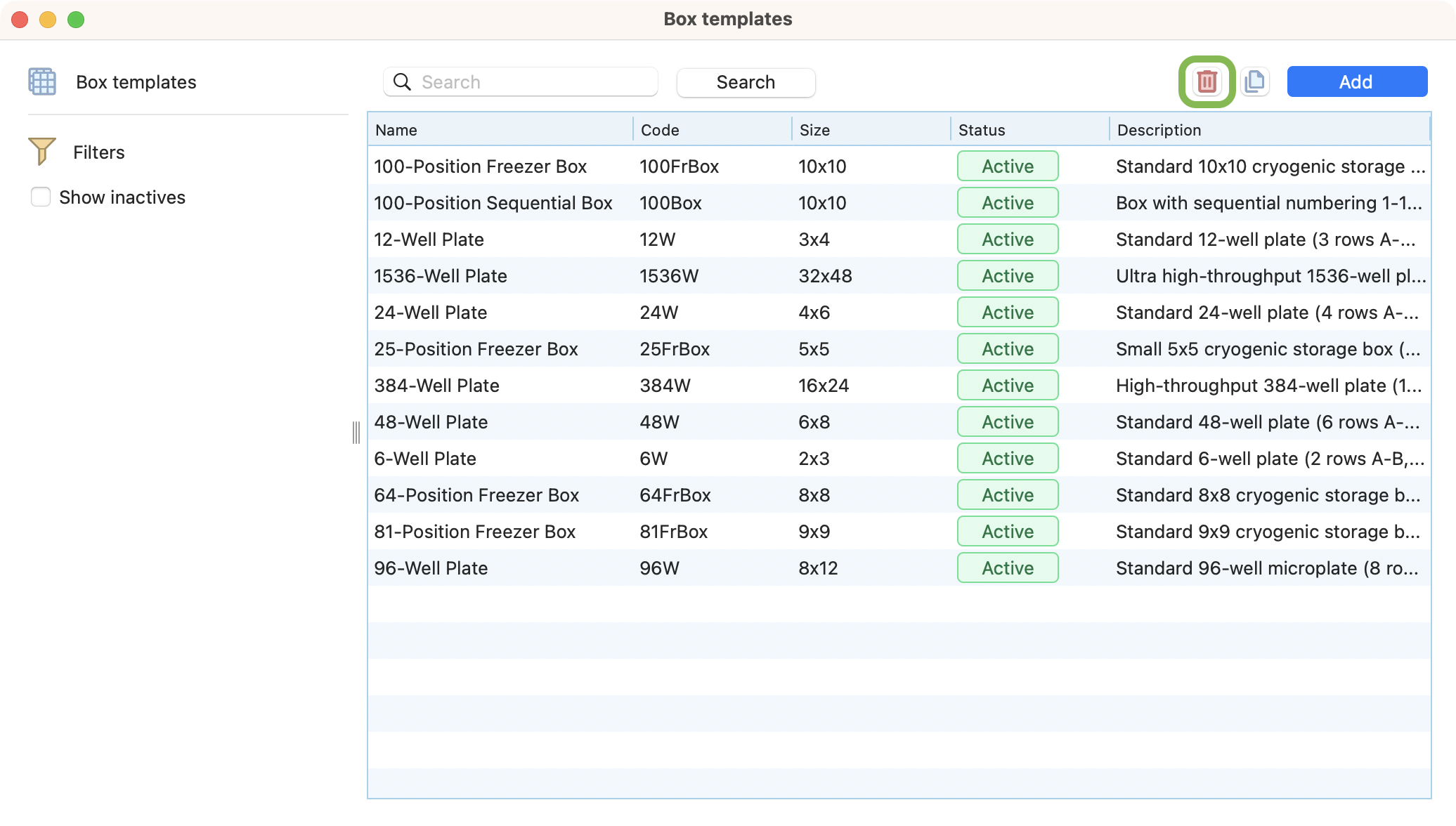
View of box templates browser, with the delete button highlighted.