

Box labels
The box labels give the possibility to highlight/color your items in a box.
User with sufficient rights can have access to the box labels configuration.
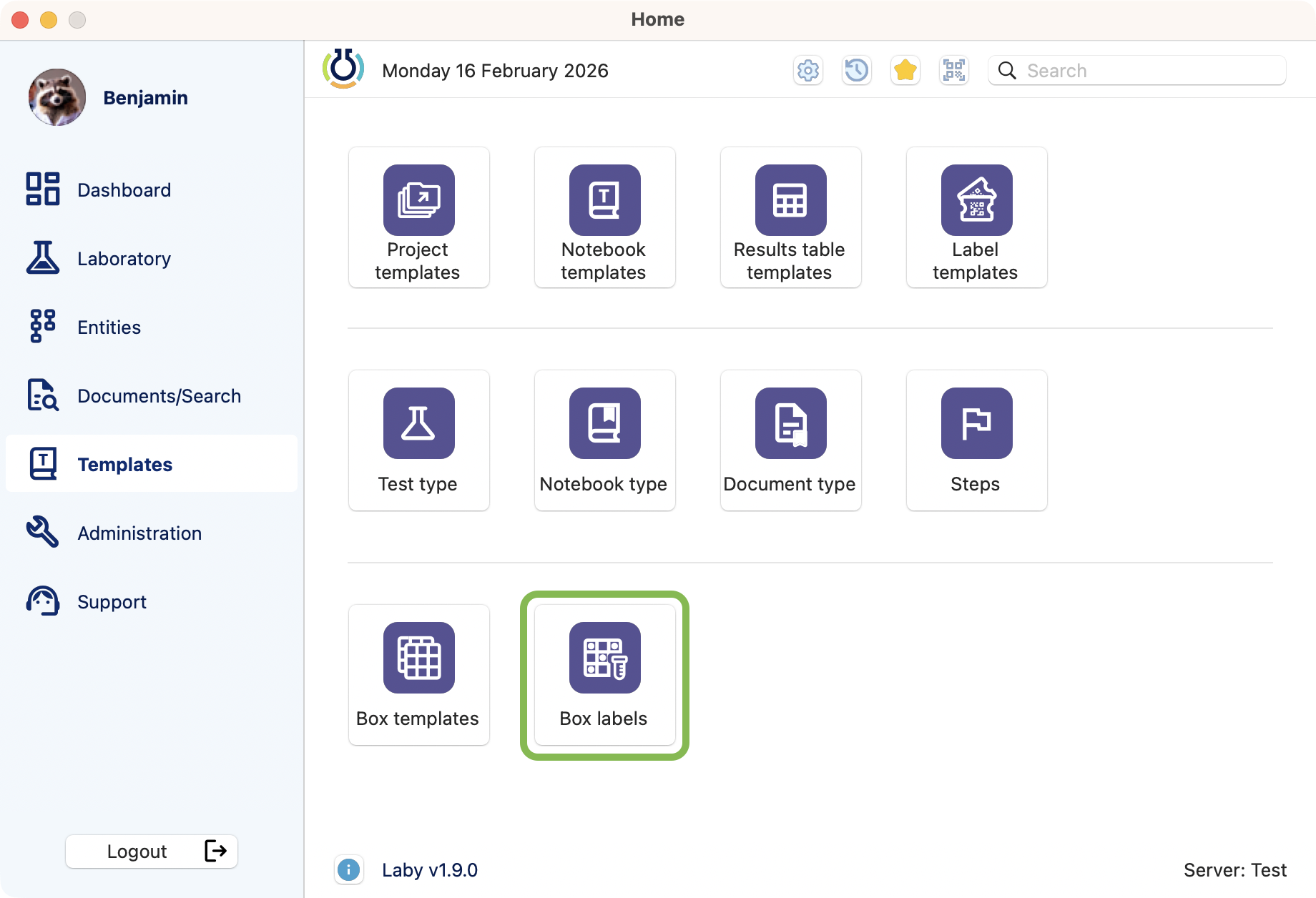
Box labels module access.

View of the list
Upon the opening of the module, you can see pre existing box labels related color, name, status and description
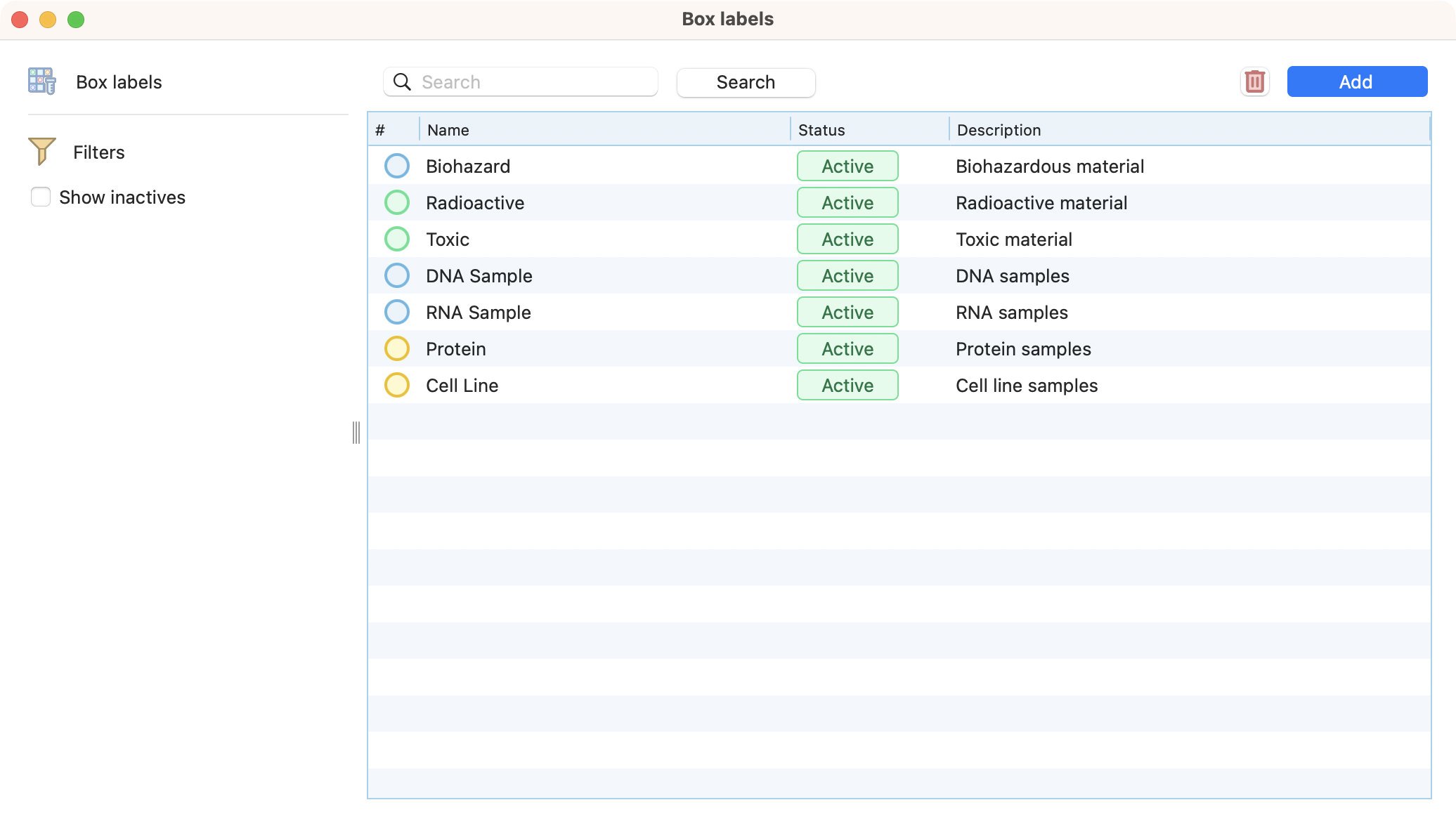
Box labels browser

Creation
Click on the add button in the top right corner of the browser.
Define a name and optionnaly a description.
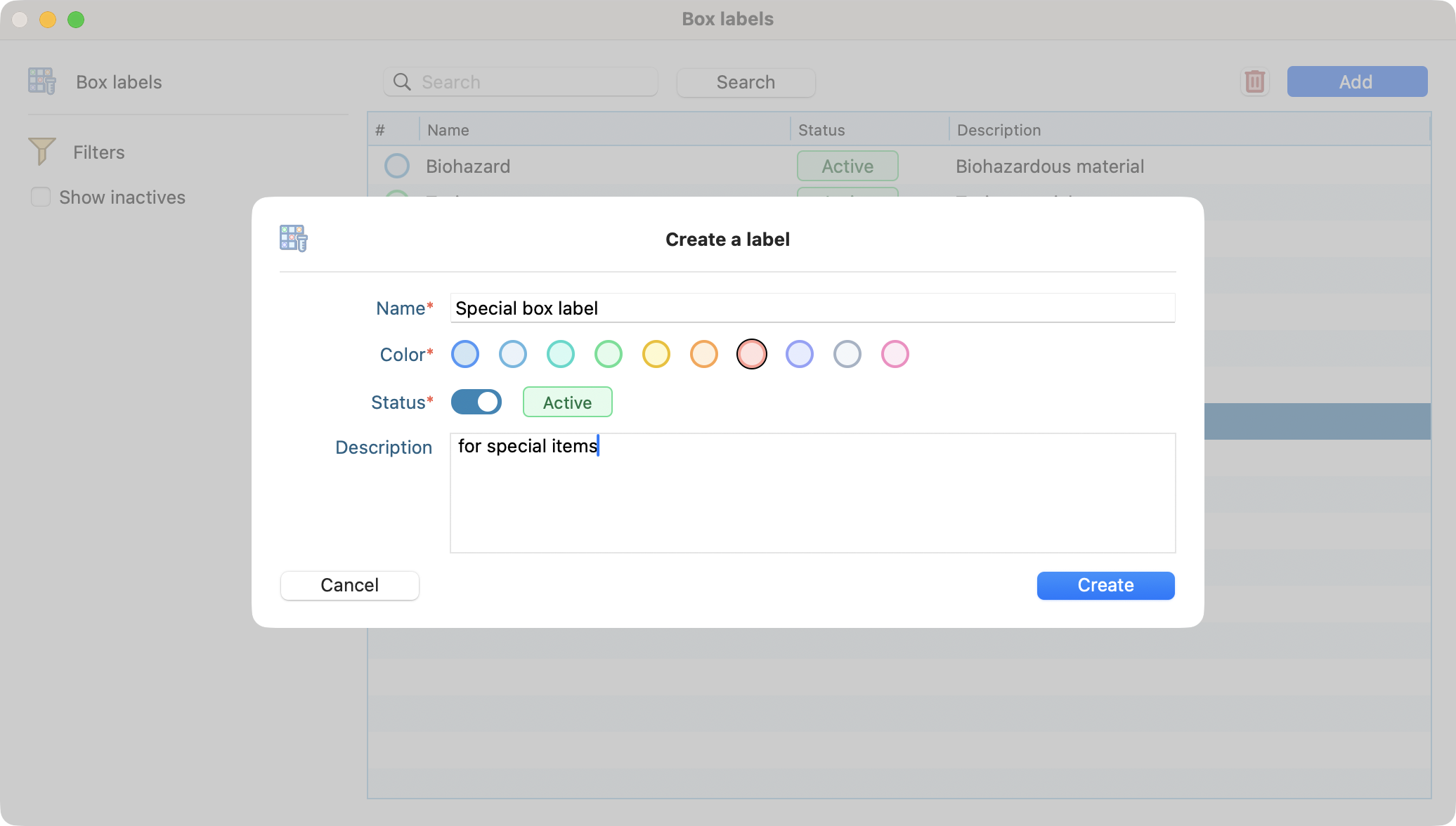
Box label creation

Edition
Simply double click on an already created box label to edit it.
You can edit the name, description, color and status.
Deletion
Select the box label you want to delete and click on the delete button.
Confirm the deletion by clicking on the red button.
Warning
This action would be possible only if there is no item linked to it.