

Notebook types
The notebook types aims to specify the different types of notebooks that can be created in Laby. It is a way to categorize notebooks and clarify the visualization.
Access the module on the template section, notebook type icon
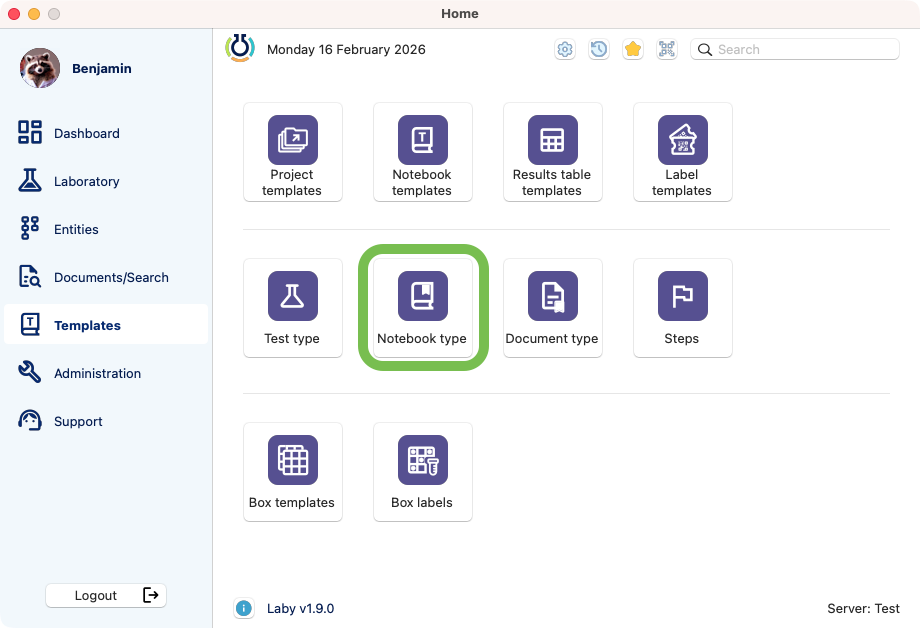
Notebook types module.
View of the list
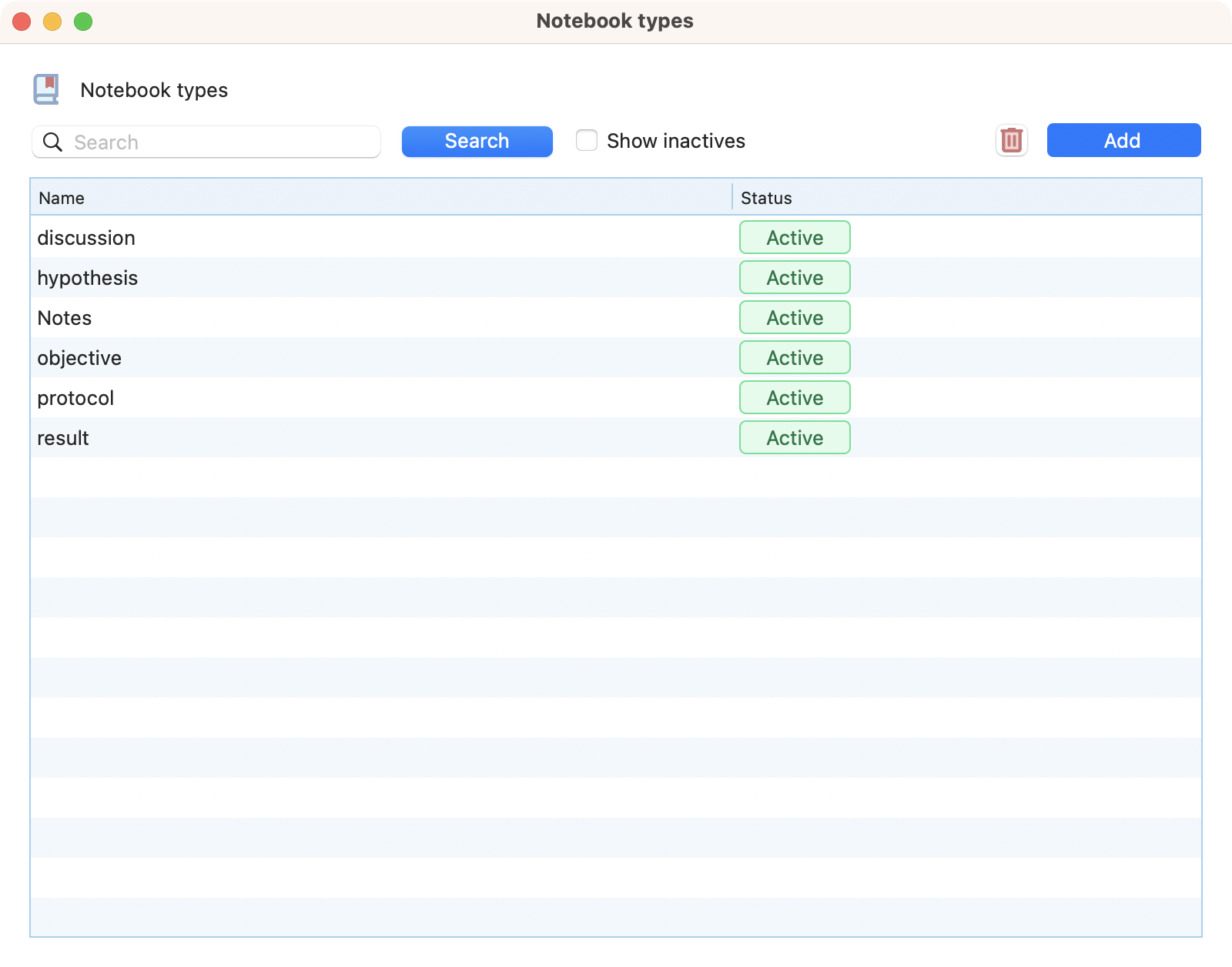
View of the new notebook type creation window.
Creation
Click on the add button in the top right corner of the browser. Define a name and optionnaly a description.
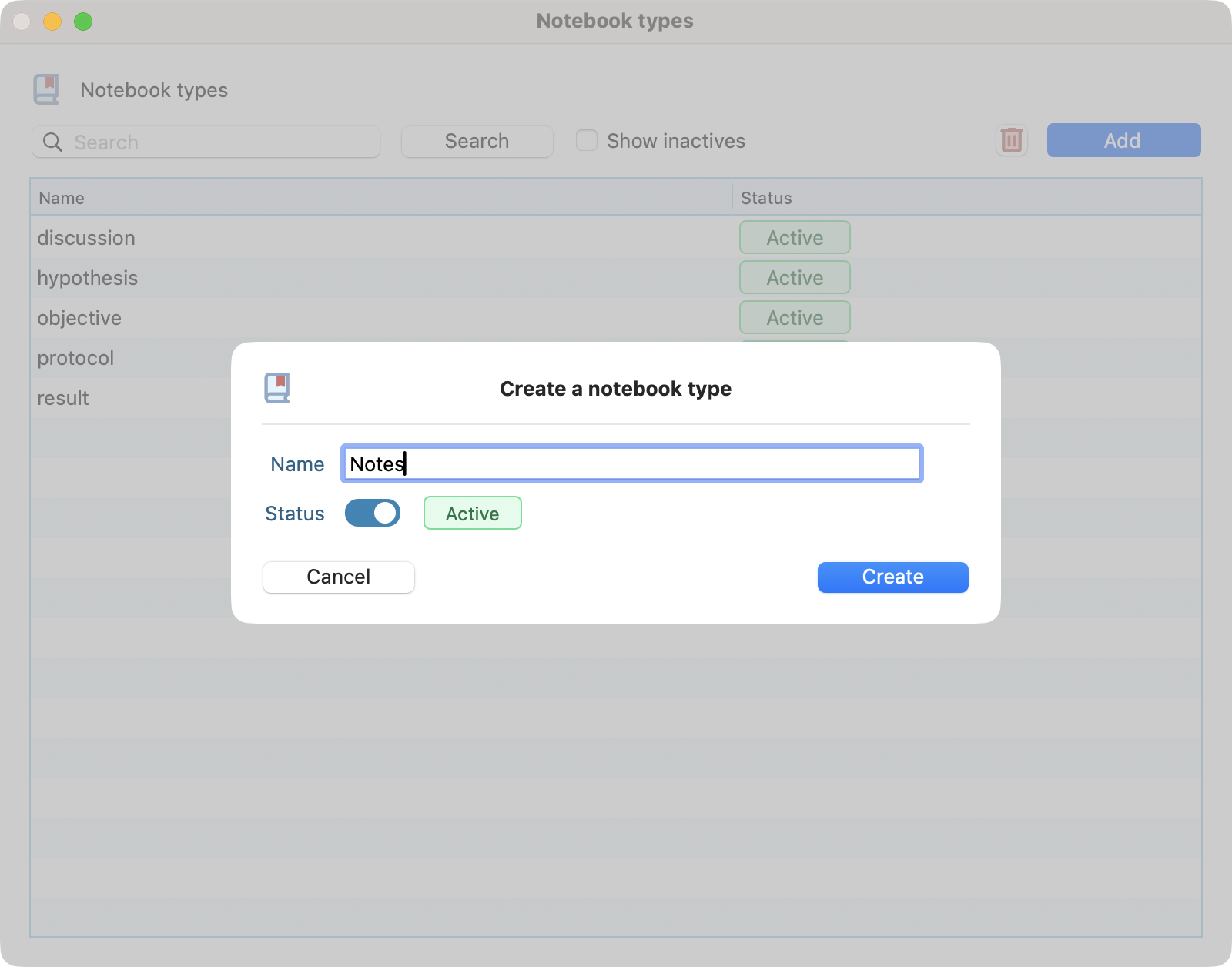
View of the new notebook type creation window.
Edition
Simply double click on an already created notebook type to edit it. You can edit the name, description and status.
Deletion
Select the notebook type you want to delete and click on the delete button. Confirm the deletion by clicking on the red button.
Warning
This action would be possible only if there is no notebook associated with this type.